
The app and the check-in device are free
You pay a fee only when guests who booked through Yumi actually show up, per person.
Fees only for guests who actually come
| Average menu price | Per guest |
|---|---|
| up to ₩6,000 | ₩300 |
| ₩9,000 | ₩500 |
| ₩15,000 | ₩800 |
| ₩25,000 | ₩1,300 |
| ₩40,000 or more | ₩2,000 |
All you need is your business registration
Your place is already on HeyYumi. Just find it and confirm it's yours.
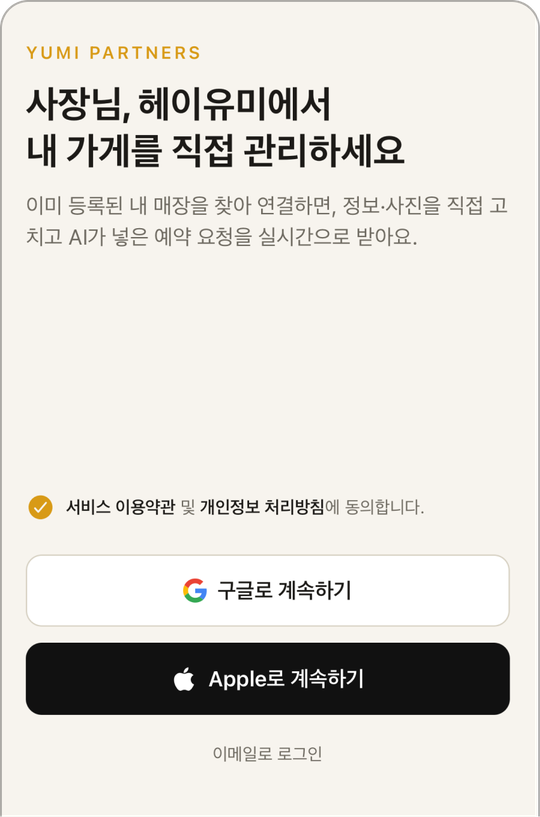
Install the app
Get the Yumi Partners app (“유미 사장님” in the stores) and sign in with Google or Apple.
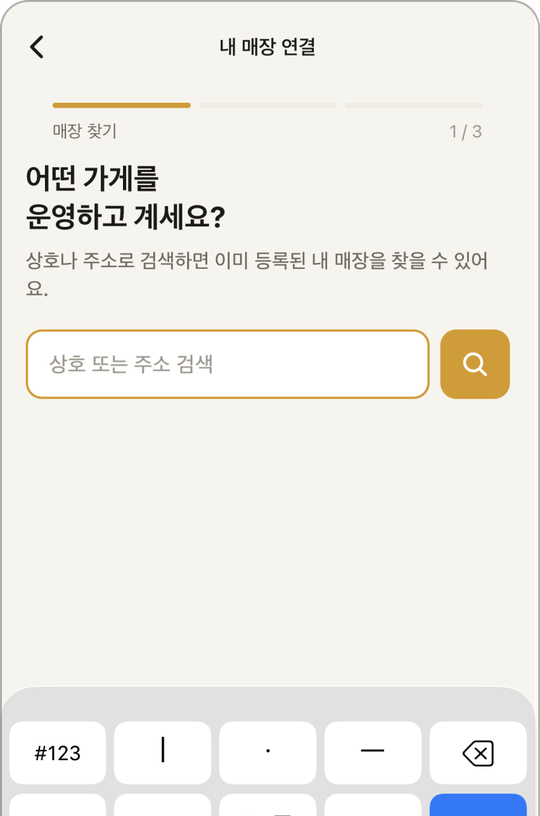
Find your place
Search by name or address. Not there? You can add it yourself.
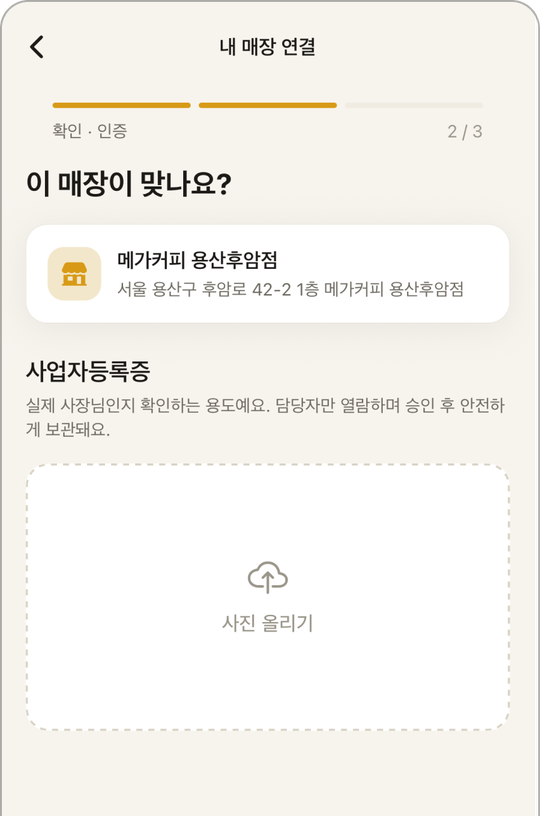
Upload your registration
One photo of your Korean business registration certificate. Review usually takes one business day.
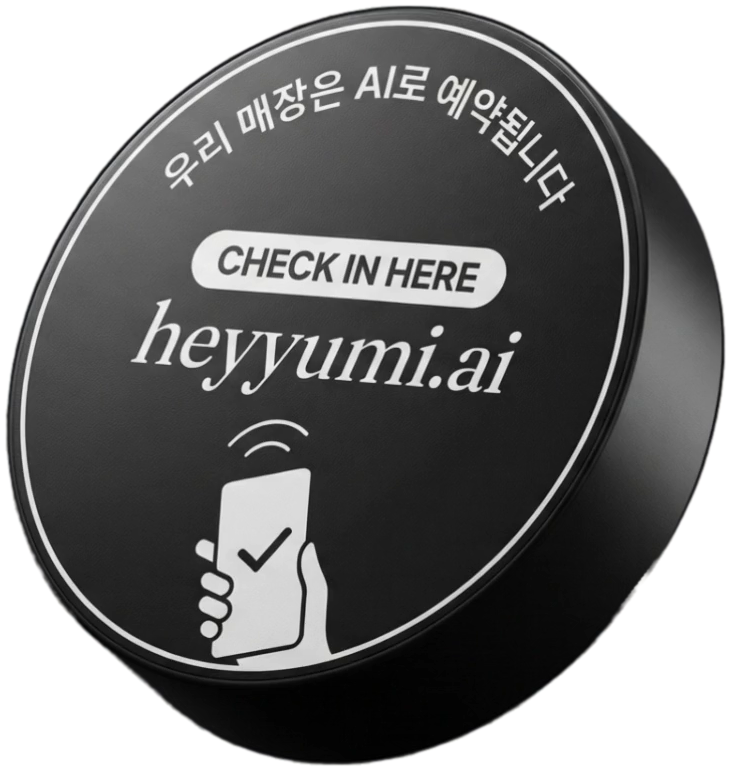
Get your check-in device
Once approved, we'll email you and send the check-in device.
You on the app, staff on the POS
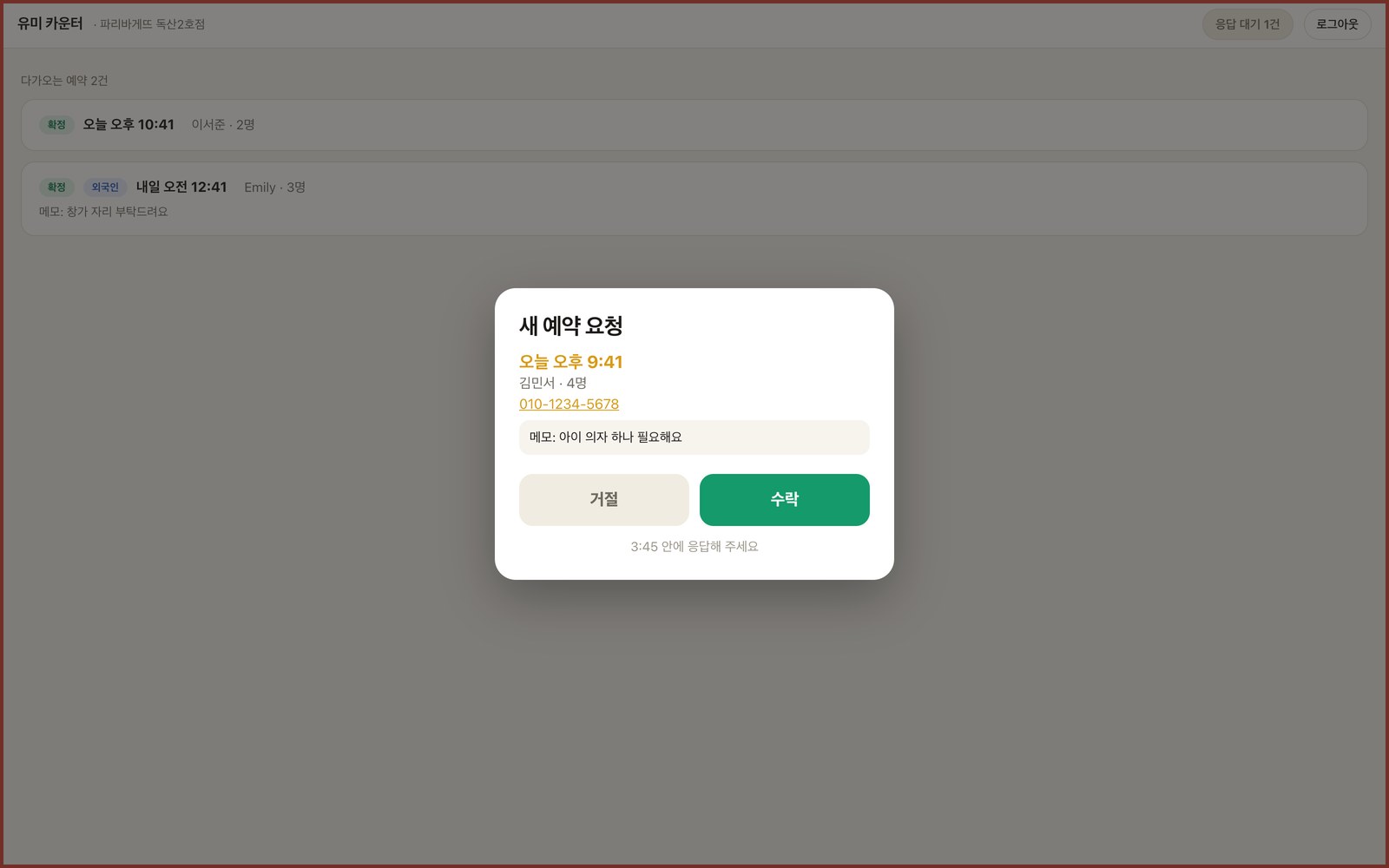
Install Yumi Counter on your POS or tablet, and new bookings pop up over whatever is on screen.
Yumi Partners app
Get booking alerts even away from the shop, and manage bookings and shop info in the app.
Yumi Counter
Alerts the counter with sound and on screen. When staff accept, it shows in your app right away.
What owners often ask
Does it have to be a restaurant?
No. Any business that takes bookings works, like nail salons, hair salons, skin care or gyms. Pick your category in the app. If yours isn't listed, contact us.
Do I pay if guests book but don't come?
No. No-shows, cancellations and declined bookings cost ₩0. We only count guests whose visit is confirmed by the check-in device, up to the number booked.
Do I need to speak other languages?
No. Bookings come into the owner app in Korean, and HeyYumi passes everything on to guests in their own language.
Can I use it with other booking services?
Yes. A Yumi booking is confirmed only when you accept it. If you're full at that time, just decline. Declined bookings cost ₩0.
When and how do I pay the fee?
We bill every ten days for the guests who came in that period. You get a statement with visit dates and party sizes, and can correct the count in the app.
Who writes my shop's description?
You can edit photos, menus and your description in the app. HeyYumi passes your edits on to guests as they are.
I have several locations.
You can manage several locations from one account. For companies or franchises, contact us. We help with everything from setup to shipping check-in devices.
What if I lose the check-in device or need another?
Contact us and we'll send one.
What if I want to stop?
You can cancel anytime in the app settings.
Make your place bookable by AI
Find your place in the Yumi Partners app and apply.
Install Yumi Counter after your place is approved in the Yumi Partners app. Open counter.heyyumi.ai on your POS and sign in with the same account.